Images
Edit one picture, or tidy a whole folder at once. Open it from Tools → Images. Your original pictures are never changed. Results are saved as new files.
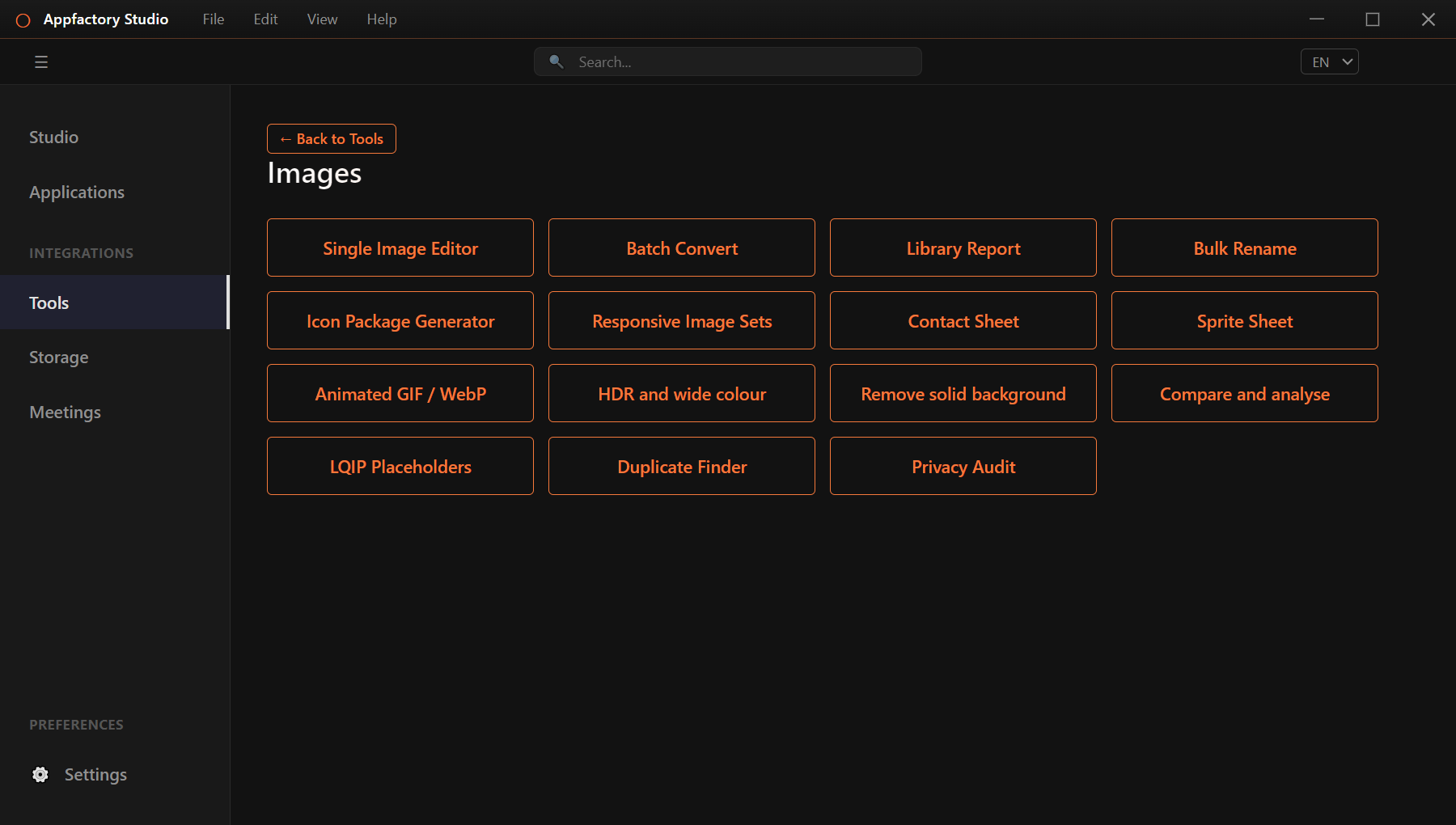
Edit a single image
Choose Single Image Editor, then Open File.
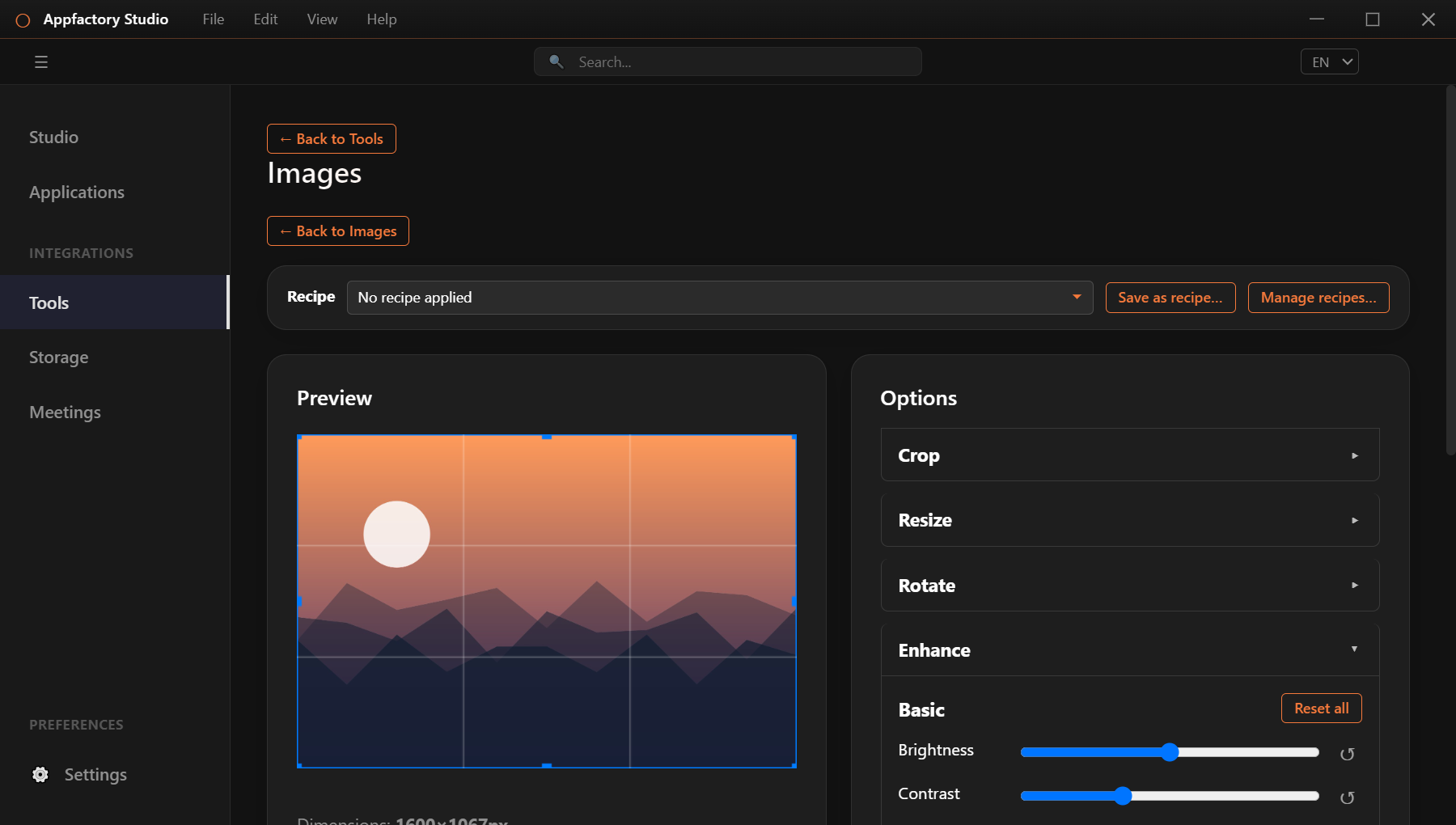
Use the panels on the right:
- Crop: drag the frame on the picture.
- Resize: set a width and height. Lock the aspect ratio to avoid stretching. The Smart fit keeps the most interesting area of the picture.
- Rotate: turn the picture or flip it.
- Enhance: adjust brightness, contrast, saturation and more. Open Advanced for levels, curves, white balance, sharpening, noise reduction and vignette.
- Watermark: add a logo or text, with position, size and opacity. Text can include details from the photo, such as the date or camera.
- Format and Output Folder: pick the file type and quality, then press Process.
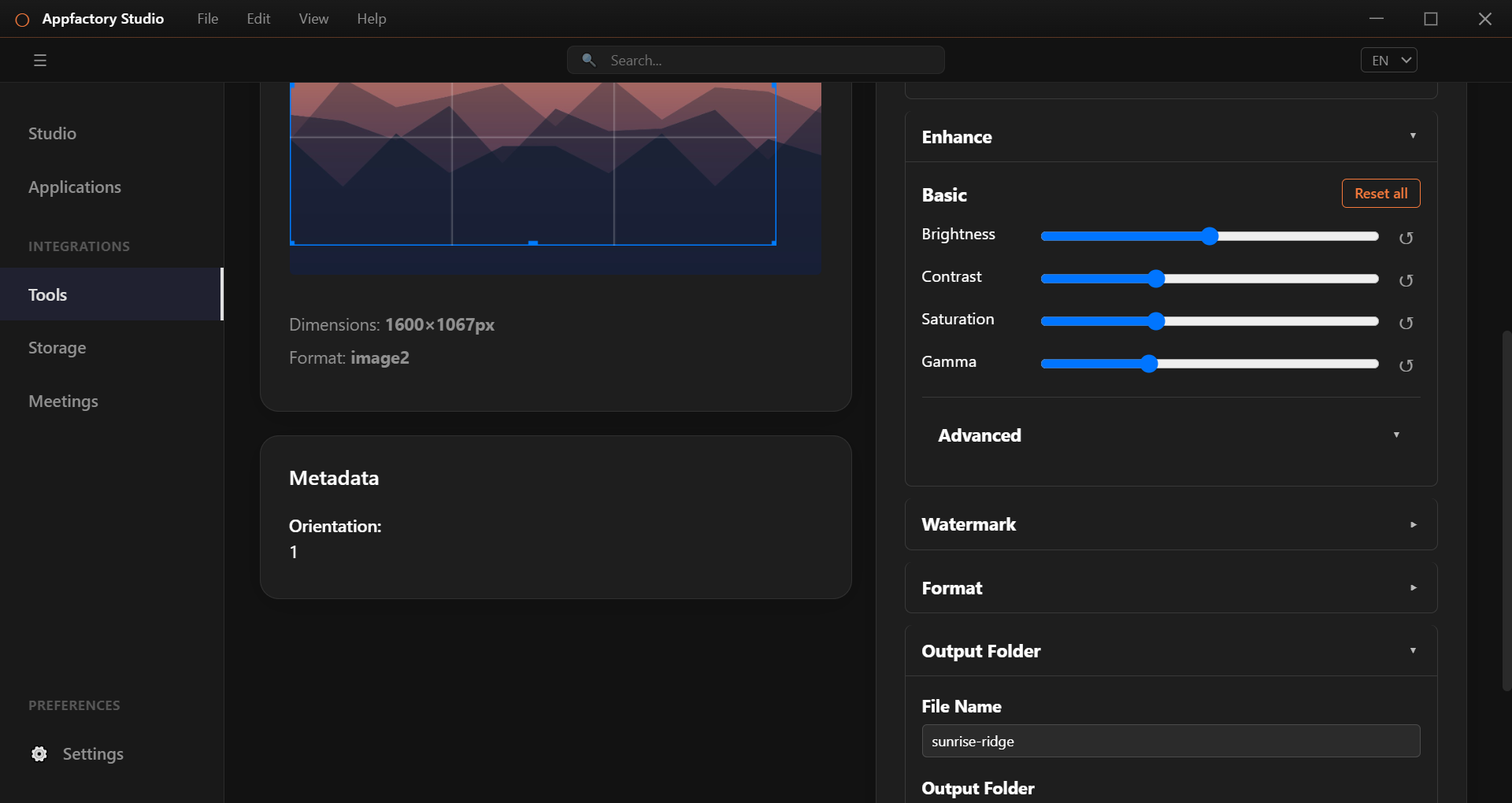
Recipes
A recipe saves your settings so you can reuse them. Use Save as recipe…, pick one from the Recipe list later, or share recipes with Manage recipes….
Work on many images
| Tool | What it does |
|---|---|
| Batch Convert | Convert every picture in a folder, including sub-folders. The folder layout is kept. |
| Bulk Rename | Rename pictures from their own details, such as the date taken. Preview first. Renamed copies are made. |
| Library Report | Scan a folder for oversized files, wasteful formats and other issues, with a one-click fix for each. |
| Duplicate Finder | Find copies, even resized or re-saved ones. |
| Privacy Audit | Find personal details hidden in photos and remove them. |
Library Report
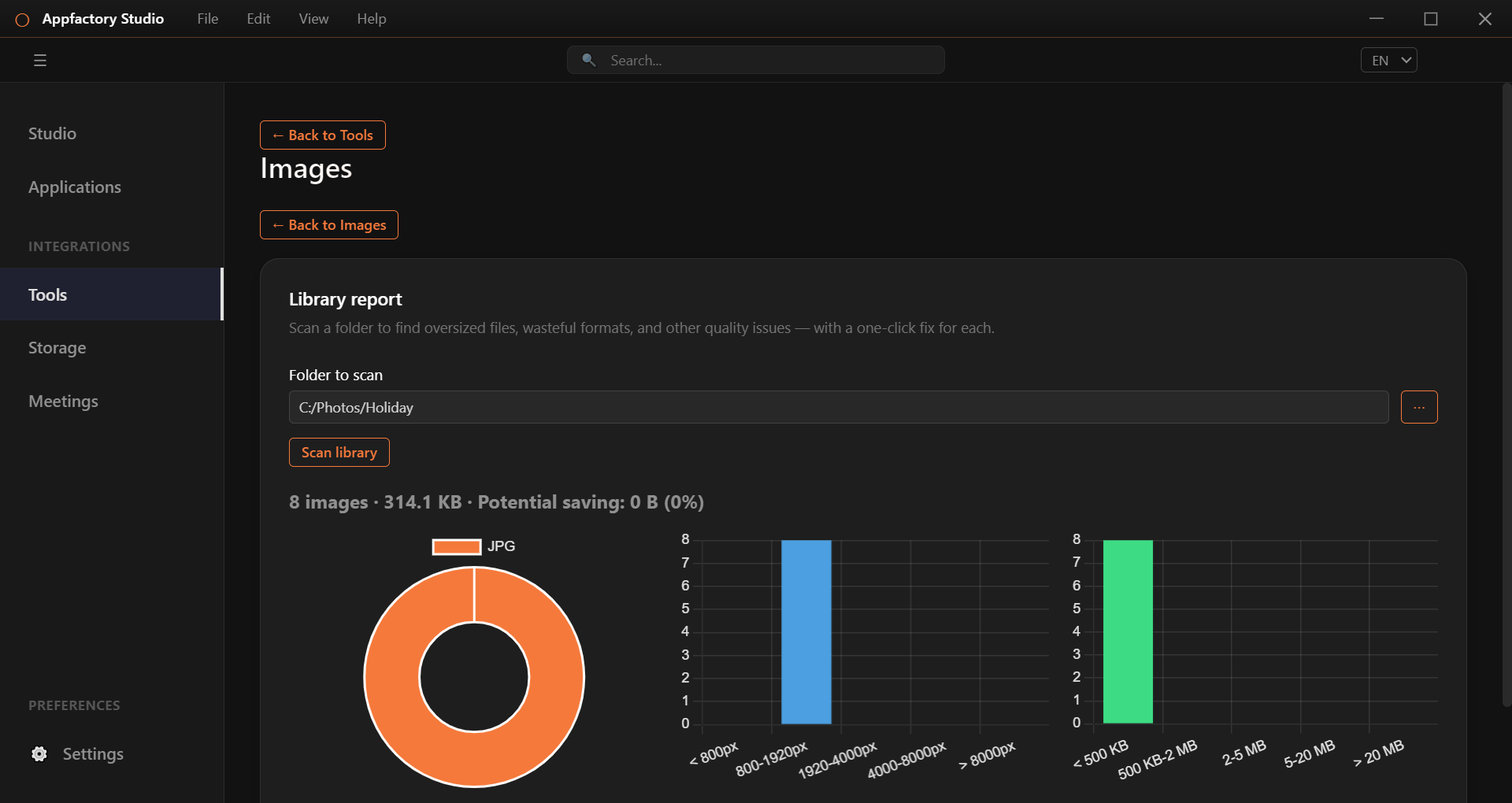
The report shows how your pictures are spread by type, size and file size, and how much space you could save. Use Fix these on a finding to convert those files.
Duplicate Finder
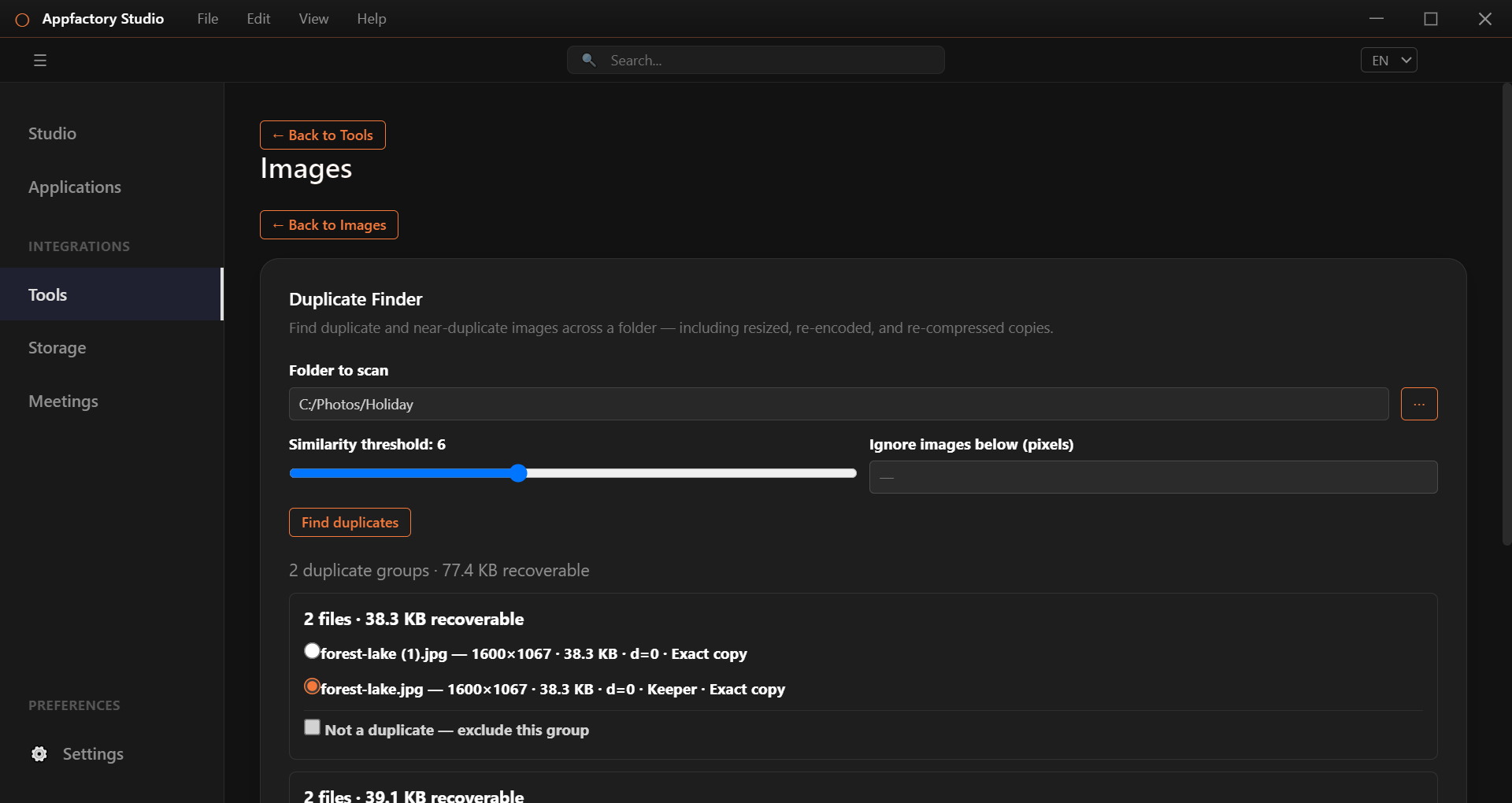
- Choose the folder and press Find duplicates.
- For each group, pick the copy to keep. Tick Not a duplicate to leave a group alone.
- Choose what to do with the rest: Copy keepers to a new folder, Move duplicates aside, Export list, or Delete duplicates. Deleted files go to the trash, so you can get them back.
Privacy Audit
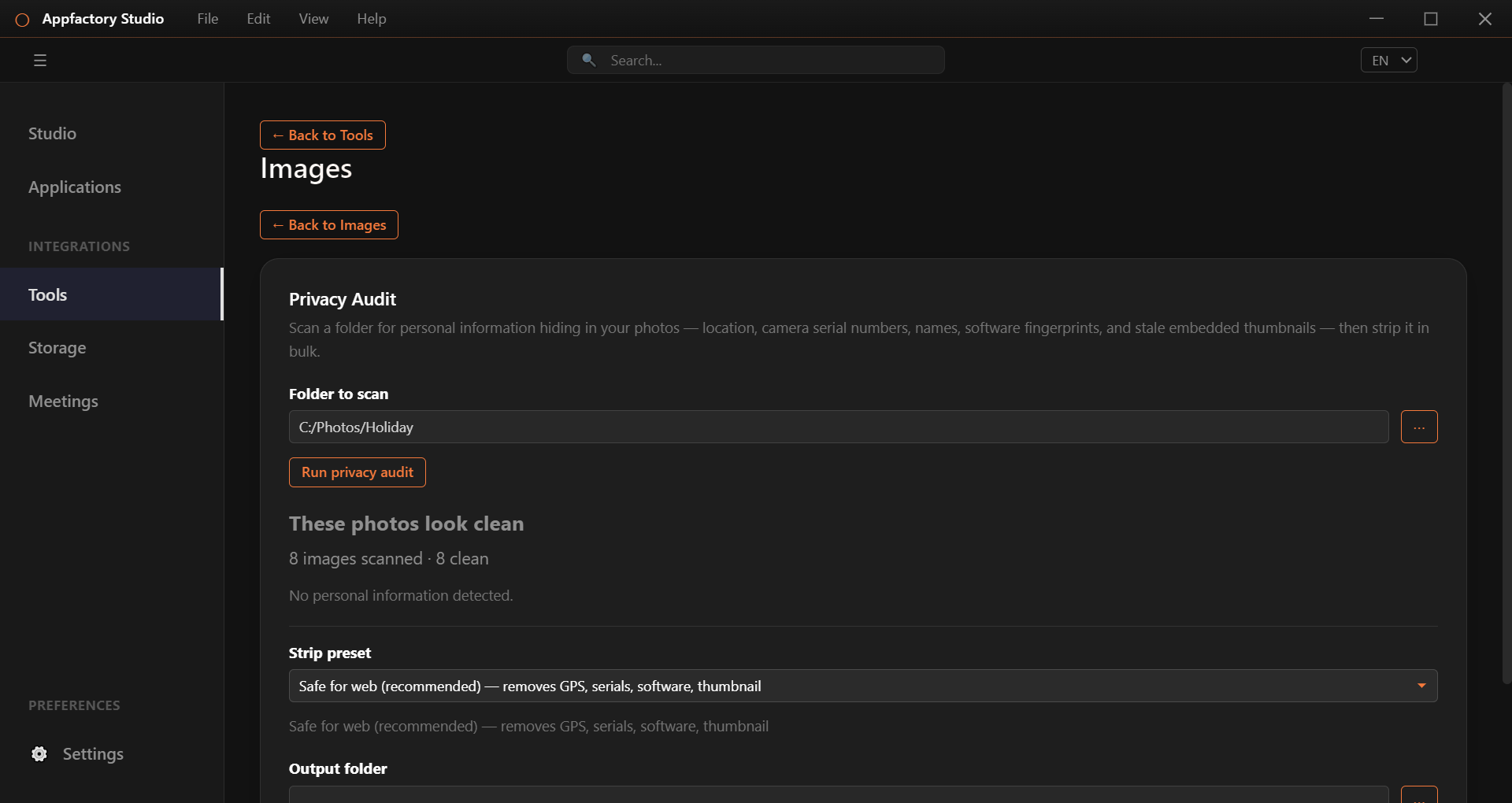
The audit looks for location, camera serial numbers, names, editing software and old embedded previews. Pick a Strip preset, choose an output folder and press Strip and save copies. The app checks that the details are gone.
Create files for websites and apps
| Tool | What it makes |
|---|---|
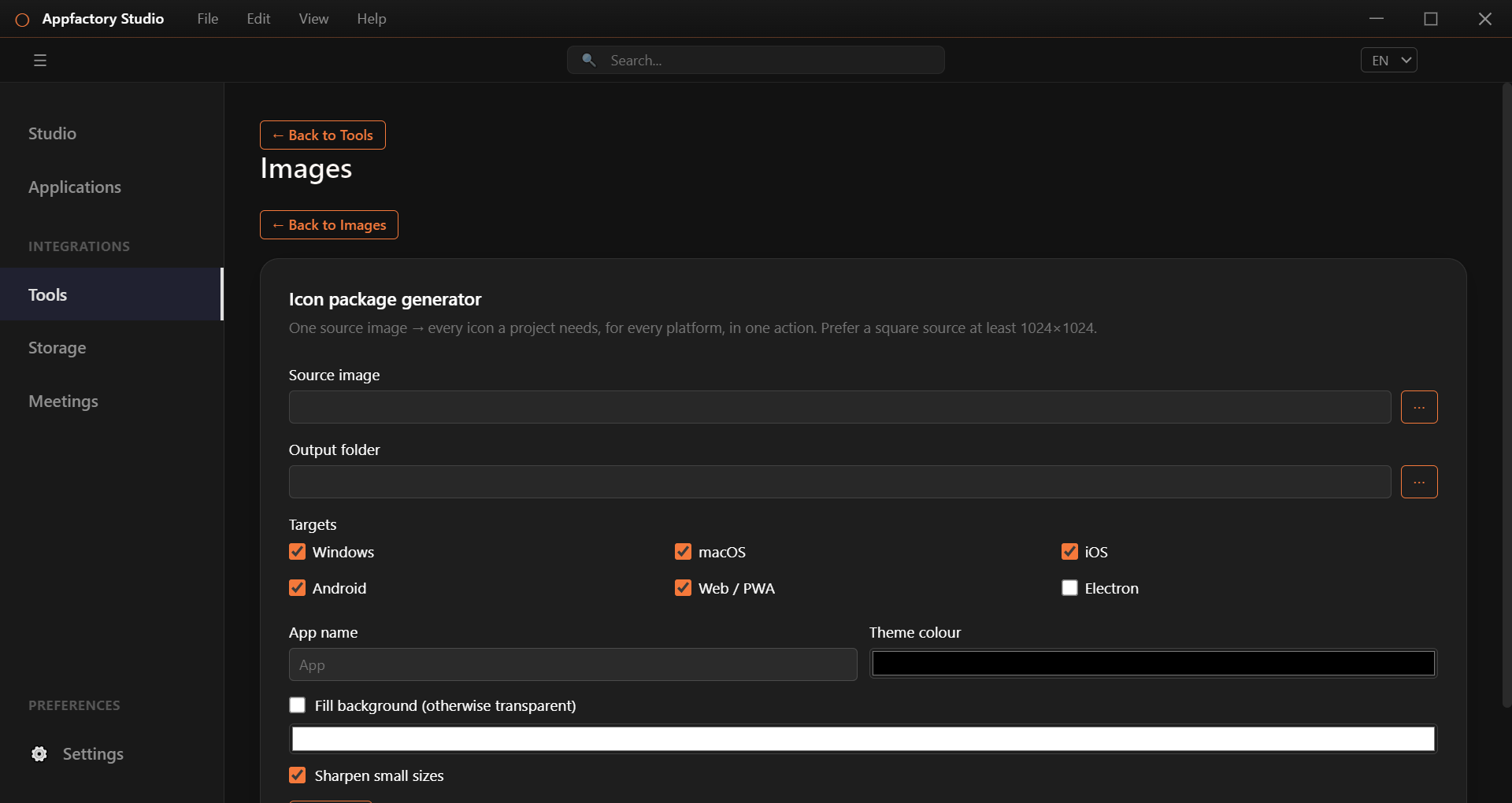
| Icon Package Generator | One picture becomes every icon size for Windows, macOS, iOS, Android and the web. |
| Responsive Image Sets | Web-ready sizes of a picture, plus the code to use them. |
| Contact Sheet | A printable grid of a folder's pictures, with optional captions. |
| Sprite Sheet | Many small pictures packed into one, with matching data files. |
| LQIP Placeholders | Tiny blurred previews that show while the real picture loads. |
More tools
- Animated GIF / WebP: convert, build from frames, extract frames, trim, reverse, change speed, resize and shrink.
- HDR and wide colour: convert HDR and wide-gamut photos to normal colours without a flat, grey look.
- Remove solid background: make a plain or green-screen backdrop transparent, or replace it with a colour, gradient or picture.
- Compare and analyse: see before and after with a slider, side by side or as a difference map, plus quality numbers.